 IPTV
IPTV 3 months
1 simultaneous connection- 35,000+ international live channels
- 179,000+ movies and series on demand
- SD, HD, FHD, 4K and UHD options
- Stable streaming infrastructure
- Adult channels included
- No bonus month
Move from live channels to films, series and sports on the screens you already own. Pick a clear plan, set up a compatible player, and settle in.
Choose reliable streaming for CA$95 on the 12-month single-device plan, plus one bonus month.

Current promotion ends when this timer reaches zero.
Browse international programming categories


























Open the on-demand library and find a film night or a series to follow. The catalogue changes over time, so these posters are visual examples.










From football to motorsport, browse live sports categories and check the current programme guide for each event.












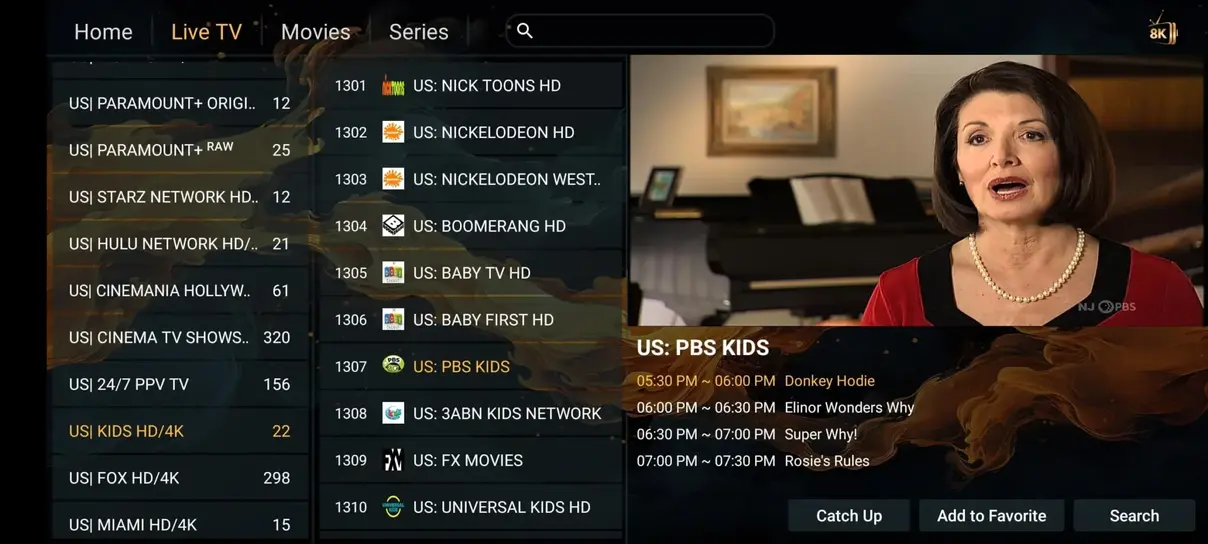
See how a player can organize live channels and on-demand choices before setting up your own device.
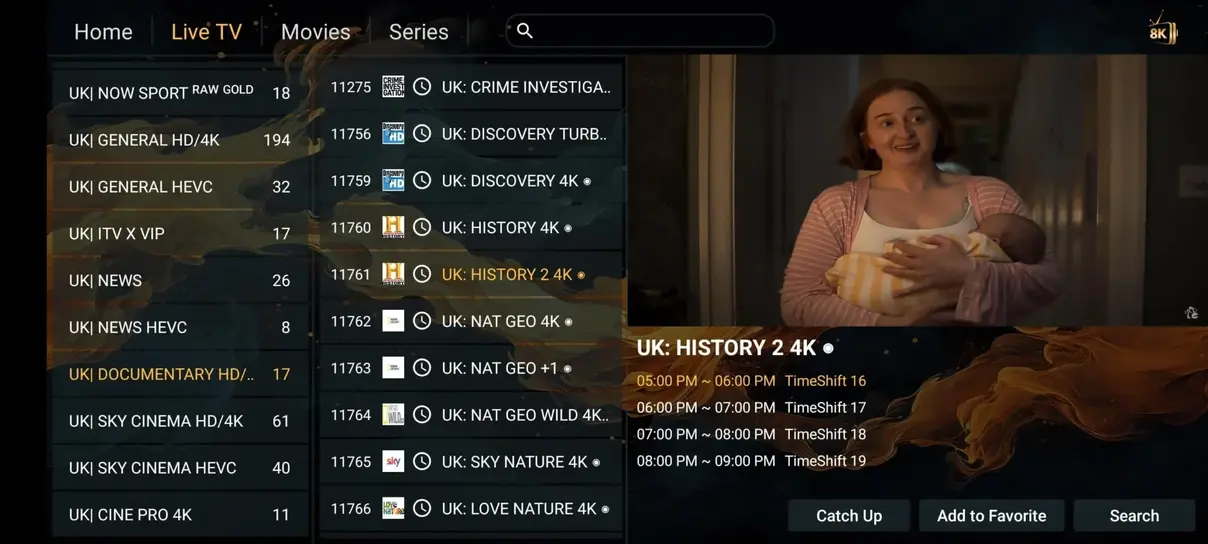
Compare the features and terms that matter to you. Lux IPTV can refer to different services, so check the provider behind any offer before paying.
| What matters | IPTV Lux | Traditional cable |
|---|---|---|
| Annual single-device cost | CA$95 for 12 months | Often much higher |
| Live channel variety | International categories | Package-dependent |
| Movies and series | On-demand catalogue | Often extra services |
| Adult category | Included in every plan | Provider-dependent |
| Sports categories | Included where available | Often add-on packages |
| Commitment | Choose 1, 3, 6 or 12 months | Often longer terms |
| Watch away from home | Compatible device and connection | Provider-dependent |
Cable terms and prices vary by provider and region. Content availability depends on rights and location.
Select your device count and currency. The total is fixed; monthly and daily figures are guides based on that total.
Default prices are in Canadian dollars.
Adult channels included · No bonus month
Payment details are confirmed by support before purchase.

Choose two, three or four simultaneous connections with the same core features and fixed prices.
Watch on 2 devices simultaneously.
+1 month free
Choose 2 devices →Watch on 3 devices simultaneously.
+1 month free
Choose 3 devices →Watch on 4 devices simultaneously.
+1 month free
Choose 4 devices →You can use a compatible player you already know. Our guide covers popular devices and common setup snags.
Choose an IPTV player supported by your TV, Fire TV device, phone or computer.
Use the M3U link or Xtream details sent after activation, then refresh the player.
Open live TV, films or series and use the guide to find what is on next.
Browse on a compatible Smart TV, Fire TV, Android device, phone, tablet or computer. App support depends on the model and software version.







4.9 / 5 based on 243 reviews supplied for this project. Viewers mention sports, films, international channels and straightforward setup.
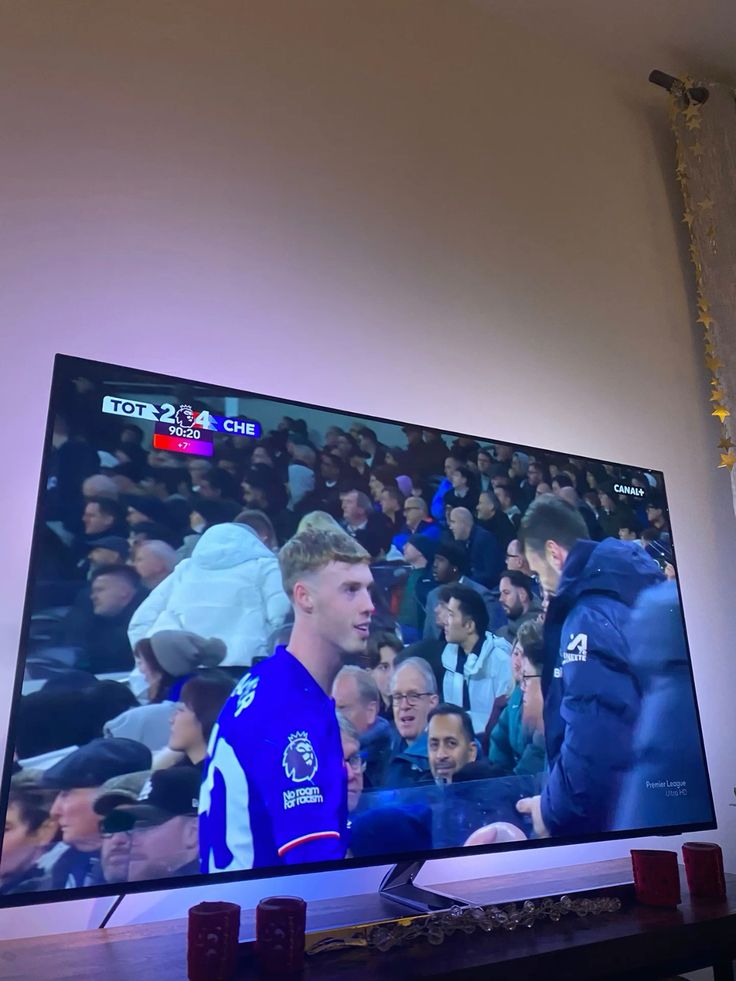
Berlin, Germany · Viewer snapshot
“The sports guide is easy to scan on my living room TV, and the channel groups make match nights simpler.”
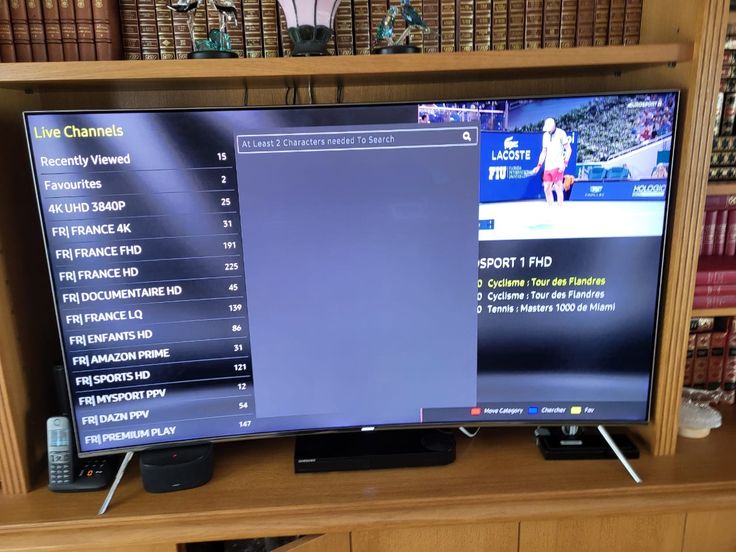
Amsterdam, Netherlands · Viewer snapshot
“I found the films I wanted without digging through menus. Setting up the player on my tablet was straightforward.”
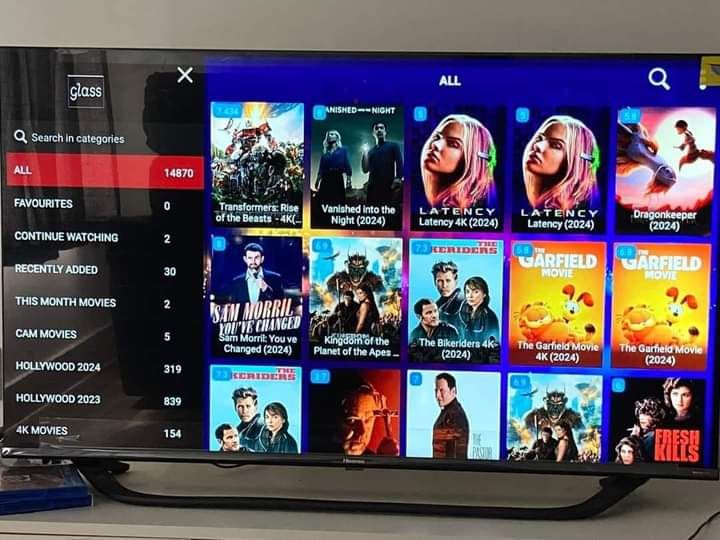
Dublin, Ireland · Viewer snapshot
“The Fire TV instructions helped me get from the welcome email to the programme guide quickly.”
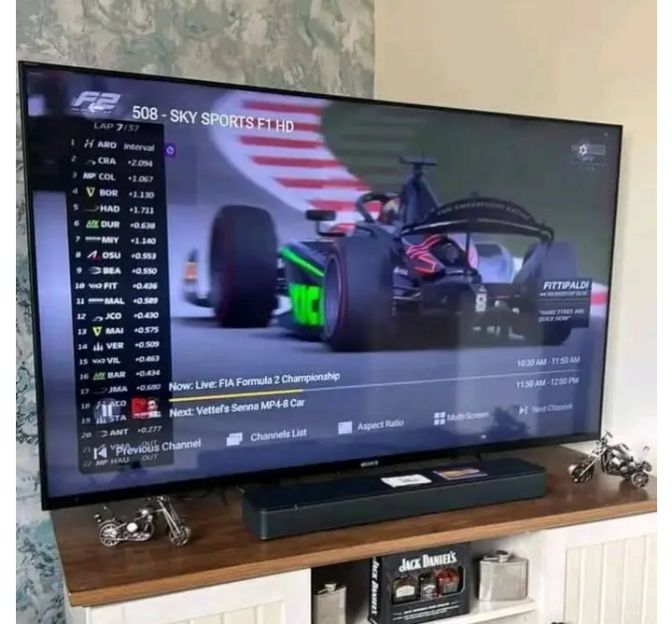
Barcelona, Spain · Viewer snapshot
“I like being able to check international channels and sports in one place when family visits.”
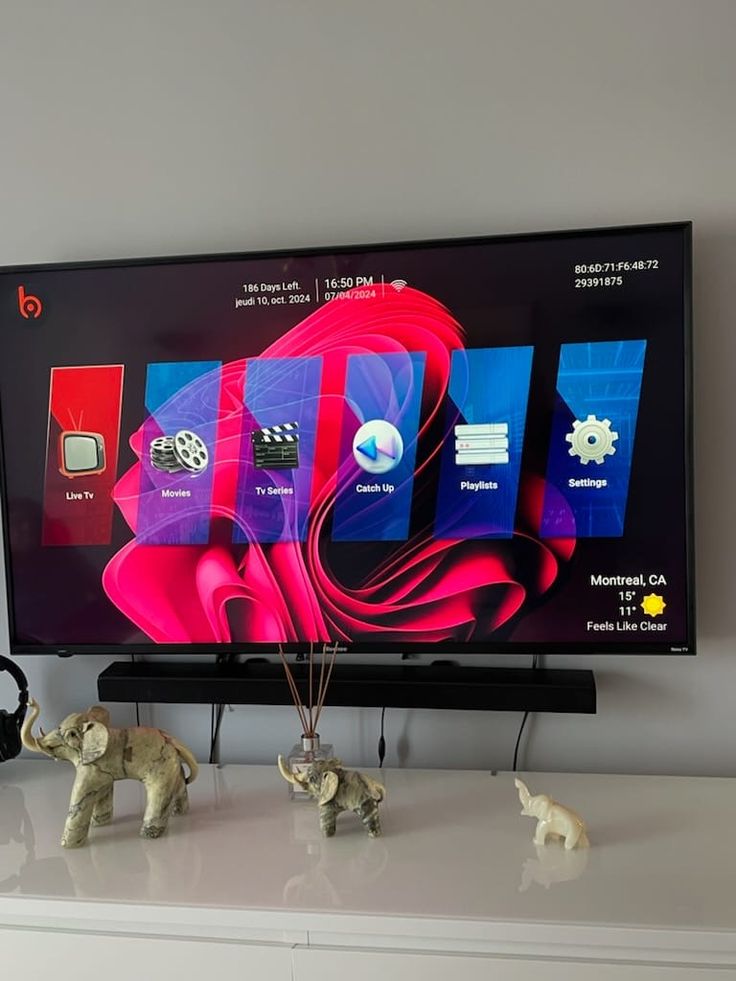
Copenhagen, Denmark · Viewer snapshot
“The app view makes it simple to switch between live channels and on-demand titles.”
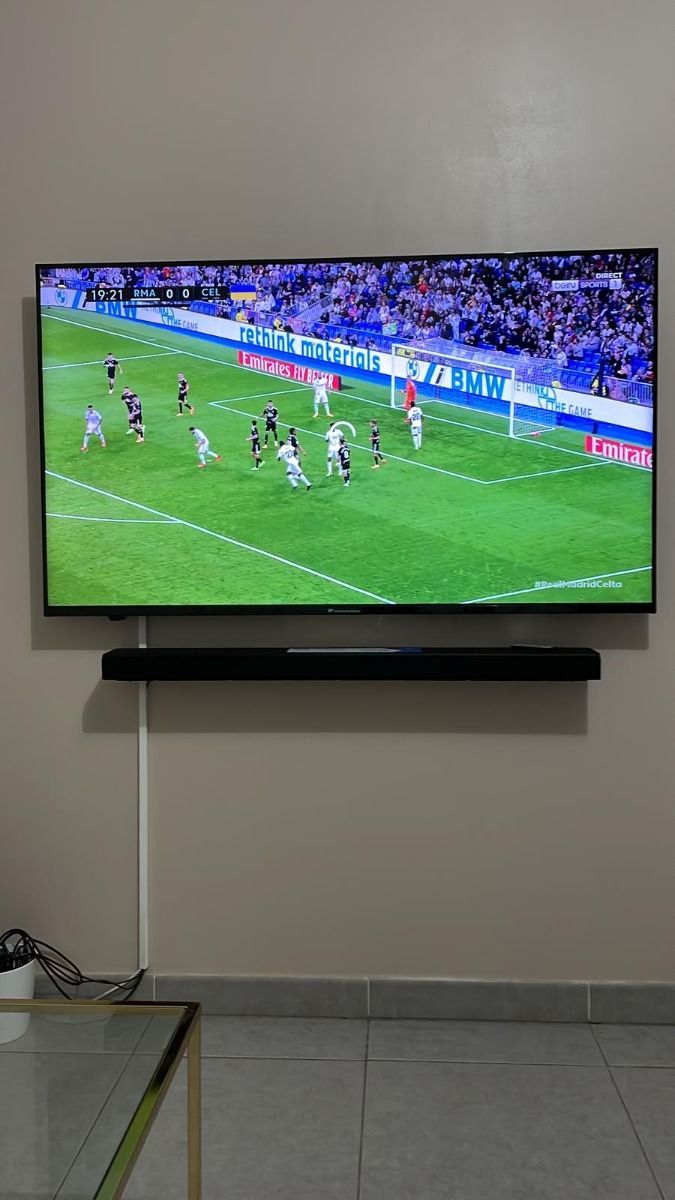
Lisbon, Portugal · Viewer snapshot
“Our Smart TV setup was easier once we followed the short activation steps.”
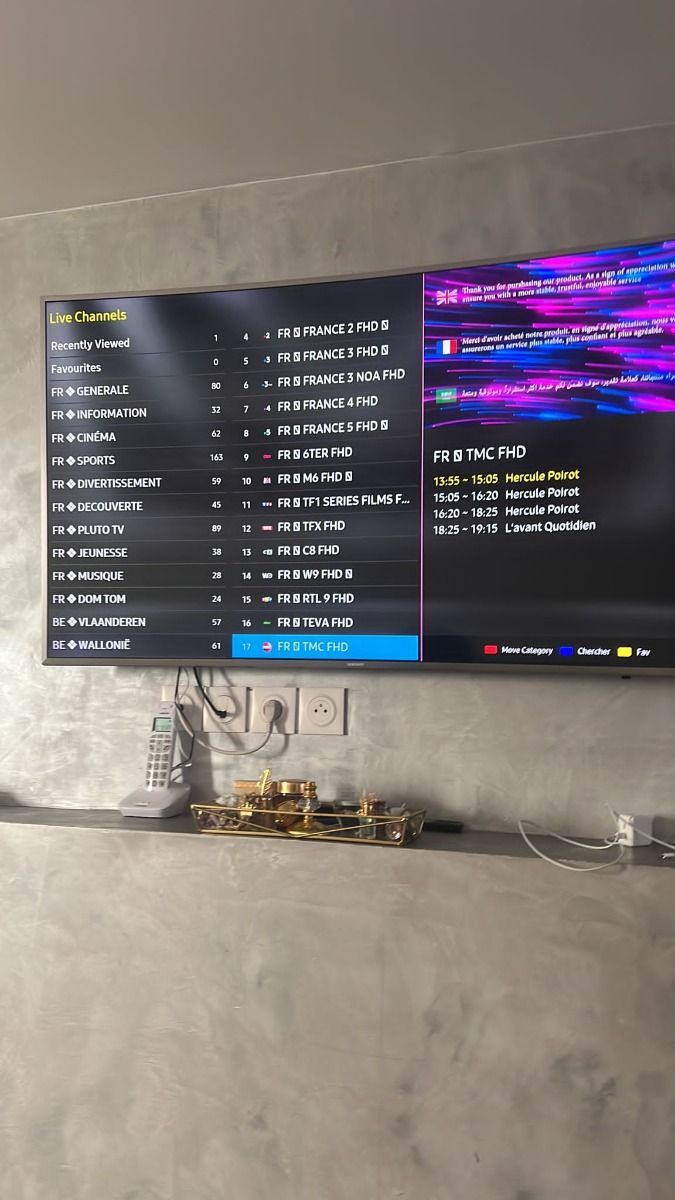
Toronto, Canada · Viewer snapshot
“The device choices were clear, and support explained the connection count before I picked a plan.”
The photos show viewing setups, not portraits of reviewers. Written stories are illustrative until confirmed customer submissions are available.
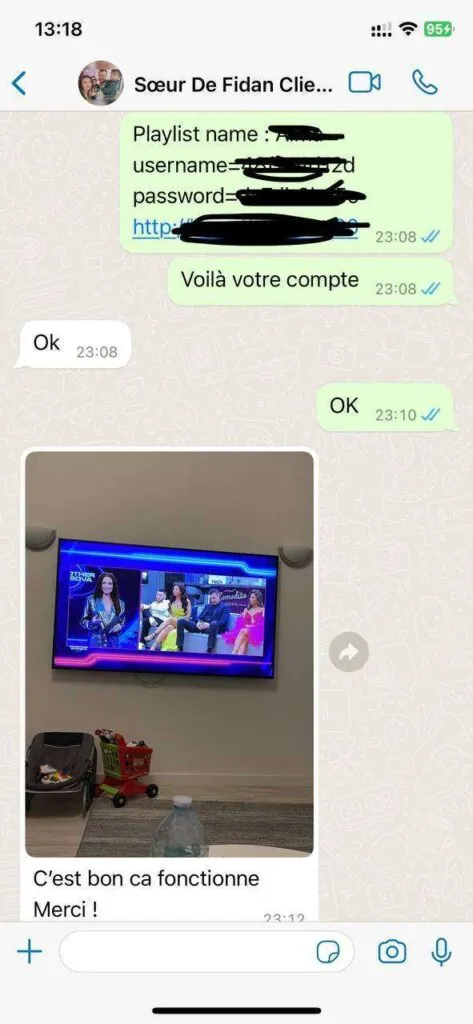
Explore customer experiencesThese screenshots illustrate the style of setup help and follow-up questions you can send to our support team.
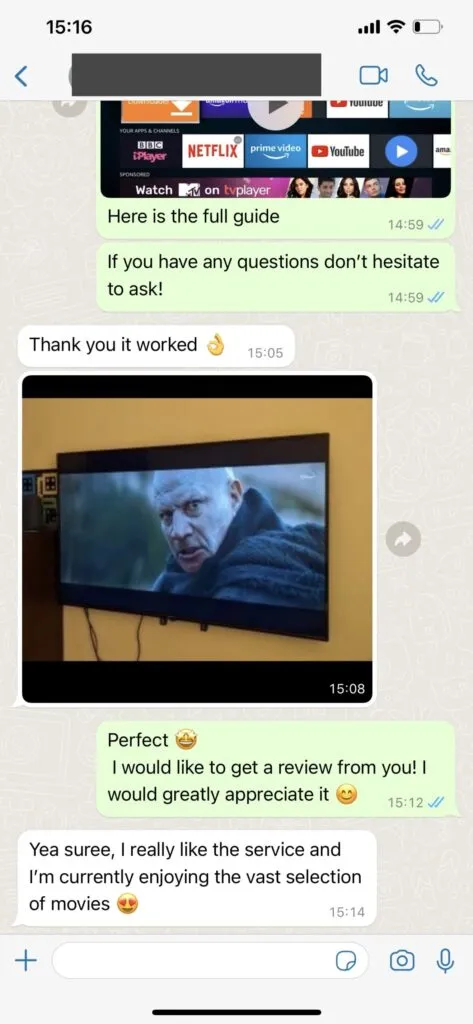
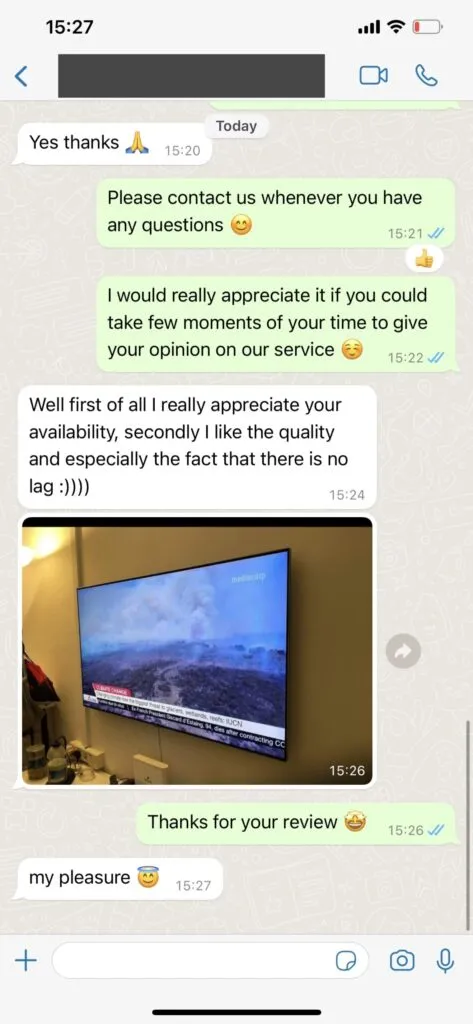
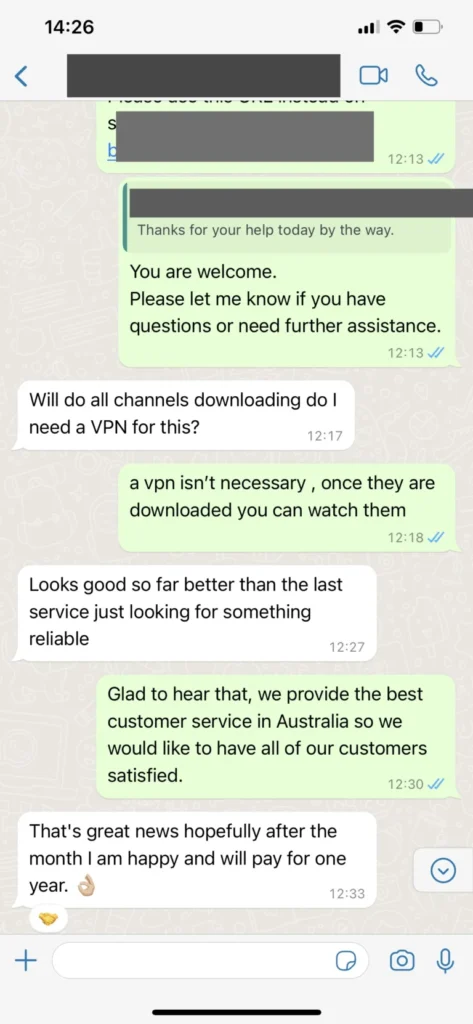
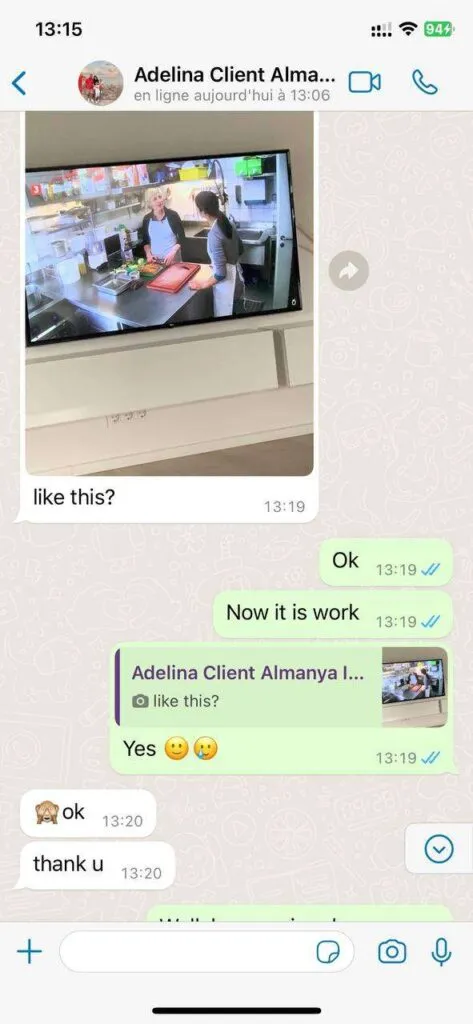
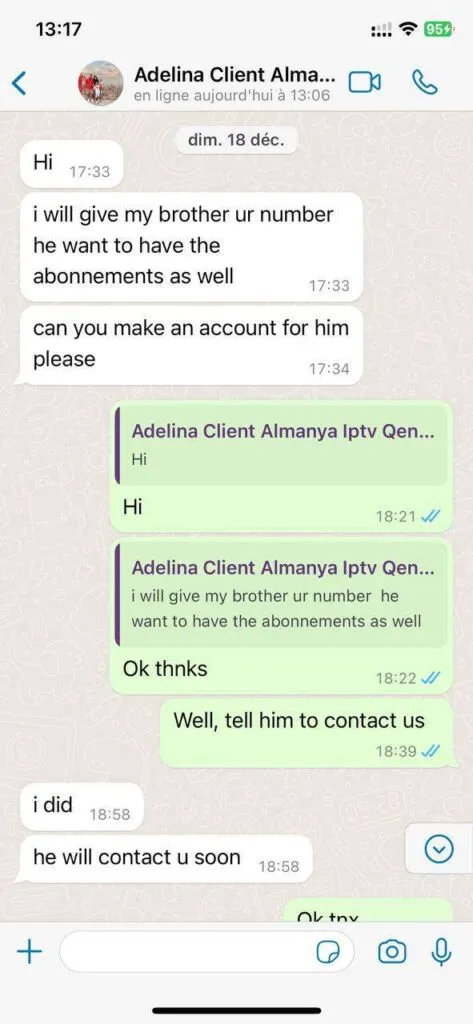
A flexible subscription brings live viewing, on-demand browsing and practical device support together.
Browse a broad mix of live news, entertainment and regional programming. Confirm any must-have channel before subscribing.
Explore films and series from a large changing catalogue, with categories designed for quick browsing.
Pick a stream quality that fits your screen and connection. Availability varies by title and source.
Network routing is designed to reduce avoidable interruptions; actual playback depends on your connection and app.
Use programme guides and replay where supported by the channel and player.
Find sports feeds, including motorsport, where licensed and currently available.
Get clear answers on compatible players, connections, content and account help.
Our team can help with activation, app setup and common playback issues through the contact page or email. Send your device model, player name and a short description so we can troubleshoot efficiently. Support availability can vary by day.
Choose a plan and send a subscription request. We confirm the selected duration, device count, currency and fixed total before sending payment instructions. Never send card details in an email or chat.
Compatible players are available for many Samsung, LG and Android TVs, Fire TV devices, Android and iOS phones, tablets, and computers. App availability depends on the model and app store. Use the setup guide for a device-specific starting point.
The catalogue is presented as more than 35,000 international live channels and 179,000 movies and series, with sports, news and entertainment categories. Actual titles, rights, regions and stream quality can change, so ask for the current catalogue before purchase.
Plan on at least 10 Mbps for HD and 25 Mbps for 4K per active stream. A wired connection or strong 5 GHz Wi-Fi generally reduces interruptions, especially when several people use the same home network.
A VPN is optional for privacy and is not part of the subscription. It can add latency. Follow the laws and service terms that apply where you watch, and use sources licensed for the content you access.
The service may work anywhere you have a reliable connection and a compatible player. Access to a particular channel can depend on its rights, your location and local rules. Contact support before travel if a specific programme matters to you.
Choose a duration and device count, or ask our team about your setup first.
Review the exact plan and send your request. Our team will confirm availability and payment instructions.
This opens your email app. No payment is taken on this page.